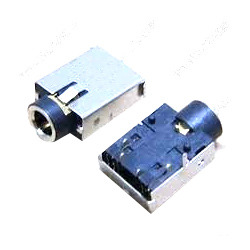
Whether your laptop has no sound, crackling audio, or headphone jack issues, we diagnose and repair all sound-related problems.
❌ Some Keys Not Working Certain keys don’t respond when pressed.
Possible Causes:
Our Solution:
❌ No Keys Working / Dead Keyboard Entire keyboard is unresponsive.
❌ Keys Typing Wrong Characters Pressing one key types different characters.
❌ Broken/Missing Keys Physical key broken off or missing.
❌ Keyboard Backlight Not Working Backlit keyboard lights not turning on.
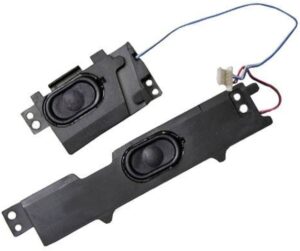
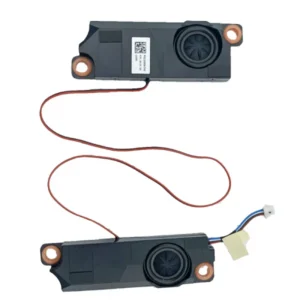
What We Replace:
Speaker Types:
Headphone Jack Repair:
Jack Types:
Step 1: Audio Test We test speakers, headphone jack, and microphone to identify the issue.
Step 2: Driver Check We verify if it’s a software/driver problem (quick fix).
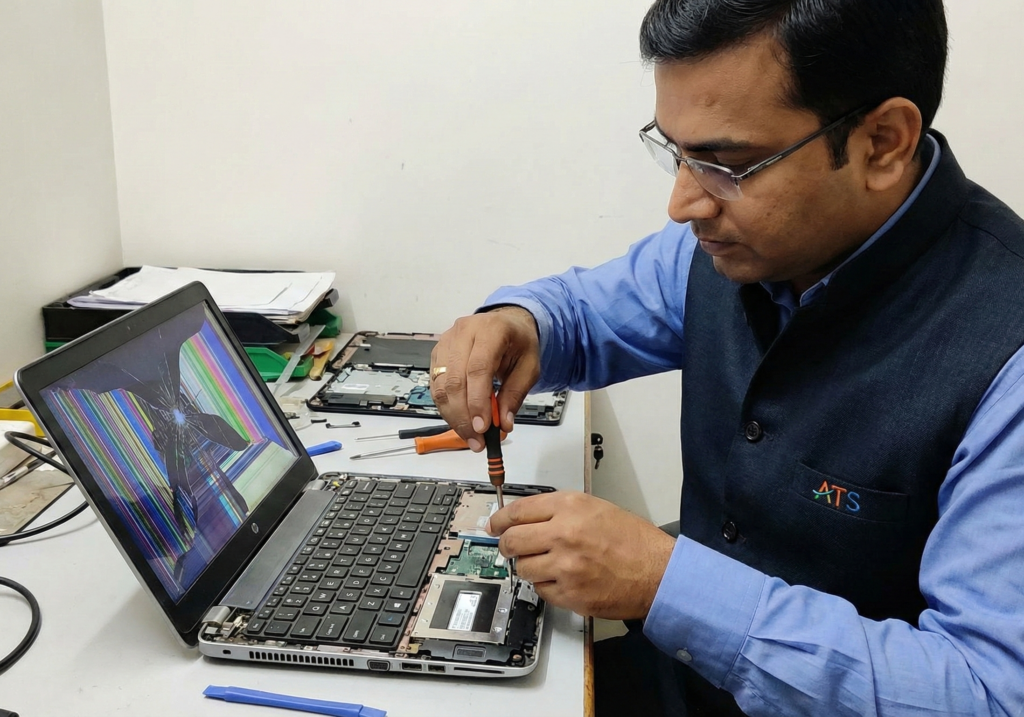
Step 3: Hardware Inspection Open laptop and check speaker connections, physical condition.
Step 4: Component Testing Test individual speakers and audio components.
Step 5: Diagnosis & Quote Clear explanation of issue and repair cost.
Step 6: Repair/Replacement Replace faulty components.
Step 7: Sound Quality Test Test with music, videos, calls to ensure perfect audio.
Try these first:
If none of these work → visit us for professional diagnosis!
While waiting for repair:
We can help you set these up!