
Display issues can range from simple cable problems to complete LCD failures. We diagnose and fix all types of laptop display problems for all brand
❌ Flickering or Flashing Screen Screen flickers, flashes, or shows intermittent display.
Possible Causes:
Our Solution:
❌ Dim Display / No Backlight You can barely see the screen, very dim even at maximum brightness.
Possible Causes:
Our Solution:
❌ Lines on Screen (Horizontal/Vertical) Colored lines, white lines, or black lines appearing on display.
Possible Causes:
Our Solution:
❌ Dead Pixels or Spots Small dots that are always black, white, or colored.
Reality Check:
Our Solution:
❌ Color Issues Screen shows wrong colors, tinted display, or washed-out colors.
Possible Causes:
Our Solution:
❌ Screen Goes Black Randomly Display turns off intermittently, but laptop still running.
Possible Causes:
Our Solution:
❌ External Monitor Works But Laptop Screen Doesn’t When connected to external monitor it works fine, but laptop screen is black.
Diagnosis: This usually indicates display cable or LCD issue, NOT graphics card.
Our Solution:
LCD Panel Replacement
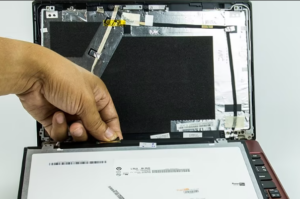
Display Cable Replacement
Inverter Replacement (for old laptops)
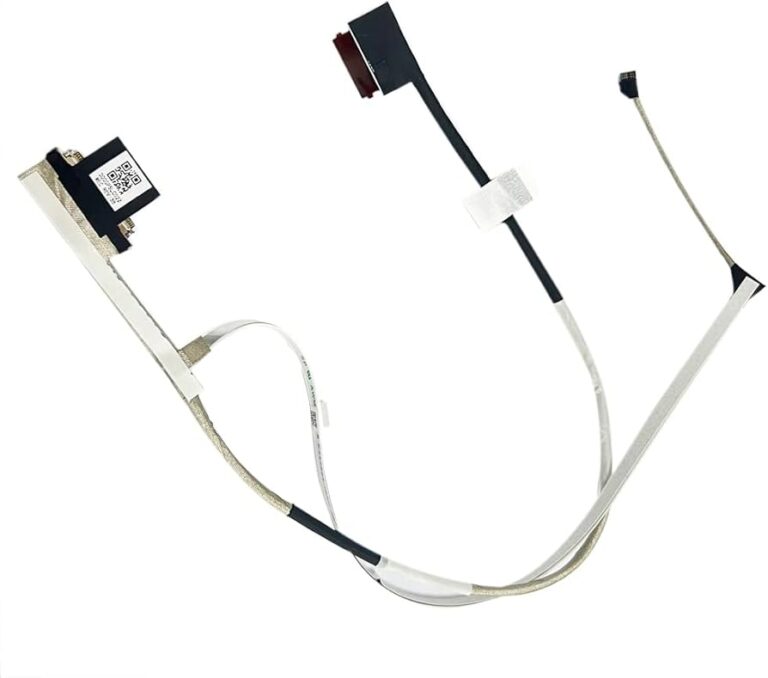
Step 1: Visual Inspection We examine the screen for physical damage, cracks, or obvious issues.
Step 2: Display Test We test the display at different brightness levels and angles to identify the issue.
Step 3: Cable & Connection Check We open the laptop and check all display connections.
Step 4: Component Testing We test individual components (cable, inverter, backlight) to isolate the problem.
Step 5: Diagnosis & Quote We provide a clear explanation of the issue and repair cost.
Step 6: Repair/Replacement After approval, we proceed with the repair work.
Step 7: Quality Testing We thoroughly test the display before returning the laptop.